




















Social Media Strategy

What Is Social Media Management? A Plain-English Guide

What social media management actually covers, what a social media manager does all week, the tools involved, and how the job works from strategy to reporting.

4 min read

Updated: Jul 24, 2026

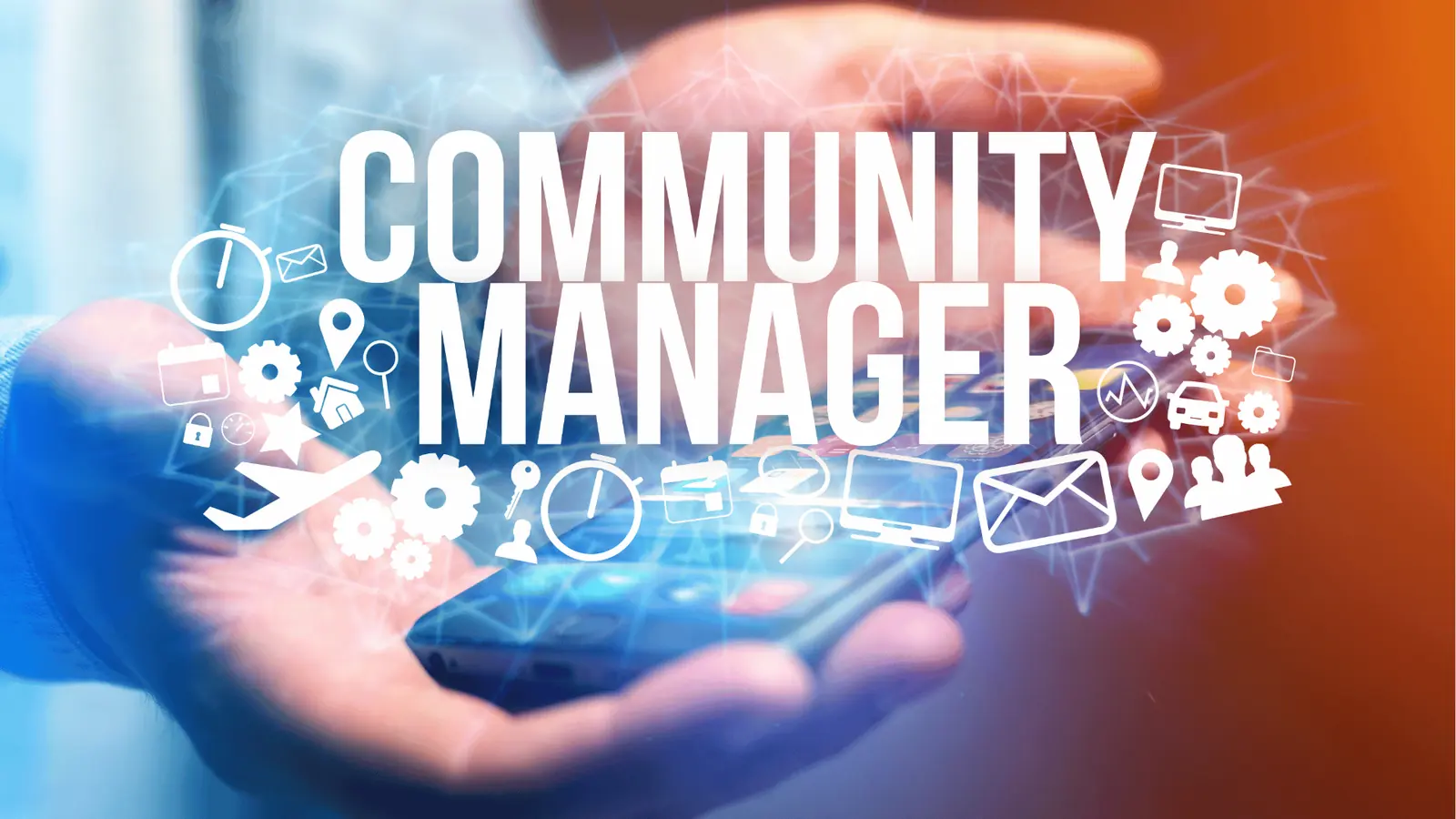
Social media manager checking accounts on a smartphone

Social media management is the ongoing work of running a brand's social accounts: planning what gets posted, creating it, getting it approved, publishing it on schedule, replying to everything it triggers, and reporting on what it did.

Posting is the smallest part. In our experience, actual publishing is under 10% of the hours. The rest is planning, production, approvals, community, and proving the work paid off.

TLDR: Social media management covers five jobs: strategy, content production, publishing, community, and reporting. A social media manager owns all five for one brand or many. Tools matter once you pass two accounts or add a client who needs to approve things.

The five jobs that make up the work

Everything a social media manager does fits in one of these:

  • Strategy. Who the audience is, which platforms are worth the effort, what the account is trying to achieve (reach, leads, bookings, support), and what themes the content covers.
  • Content production. Writing captions, briefing or making graphics and video, adapting one idea into per-platform versions.
  • Publishing. Loading a calendar, scheduling posts, and making sure the right format goes to the right platform at a sensible time.
  • Community. Replying to comments and DMs, moderating, and passing real leads or complaints to the right person.
  • Measurement. Tracking what performed, turning that into next month's plan, and reporting it to a client or a boss.

Miss one and the account underperforms in a predictable way. No strategy gives you busy accounts with no results. No community work gives you good posts nobody engages with twice.

What a social media manager does in a normal week

A realistic week for someone running three to six accounts:

Block Time What happens
Planning Half a day, monthly Build next month's calendar around themes, launches, and dates
Production 1-2 days a week Write captions, brief design, adapt per platform
Approvals Ongoing Send drafts, chase feedback, apply edits
Scheduling 1-2 hours a week Queue everything, check previews
Community 30-60 min daily Comments, DMs, mentions
Reporting Half a day, monthly Pull numbers, write the story behind them

The two blocks that quietly eat the most time are approvals and reporting, because both involve other people. That is exactly where most of the tooling money goes.

Social media management vs social media marketing

People use the terms interchangeably. They are not the same.

  • Social media marketing is the wider discipline: paid ads, influencer partnerships, campaign strategy, funnel design.
  • Social media management is the operation: the calendar, the content, the publishing, the inbox, the report.

A social media manager may run boosted posts, but if the job is mostly ad buying and budget allocation, that is a paid social role with a different skill set.

The skills the job actually needs

Ranked by how much they change your results:

  1. Copywriting. Every platform is a writing job first, even video.
  2. Analytics literacy. Not statistics, just knowing which numbers mean something and which are decoration. We wrote about metrics worth ignoring.
  3. Platform fluency. Formats and norms change quarterly. What works on LinkedIn dies on TikTok.
  4. Visual judgement. You do not have to design, but you must know when something looks wrong.
  5. Client communication. Setting expectations, saying no to bad ideas, presenting results in business language.

What social media management costs to run

Two versions of the answer:

  • In-house: one manager's time, plus a design or video resource, plus tools. The tool spend is small next to the salary.
  • Freelance or agency: a monthly retainer covering an agreed number of posts, platforms, and reporting cadence.

The variables that move the number are platform count, content format (video costs more than graphics), and how much community management is included.

The tools involved

You need four things covered, whether that is one platform or four separate apps:

  • A content calendar everyone can see, so nobody asks "what's going out Thursday". Mydrop's multi-brand calendar handles several brands in one view.
  • Scheduling and publishing across the platforms you actually use, with a preview so you catch a broken crop before the client does.
  • An approval flow. Screenshots over email is where most agencies lose their evenings. A client portal with no-login approvals removes that entirely.
  • Reporting that pulls native platform metrics rather than vanity totals, ideally as a branded PDF you can schedule and forget.

AI now handles a chunk of production too: ideas, caption variants, and bulk creation of a month of posts. We covered the honest version in how to use AI for social media management. It speeds up drafts. It does not replace judgement.

How to tell if it is being done well

Four signals, in order:

  1. The calendar is full three weeks out, not three days.
  2. Comments and DMs get answered within a day.
  3. The monthly report explains why numbers moved, not just what they were.
  4. Content is different per platform, not one caption copy-pasted five times.

If you are running more than two accounts and still doing approvals in a chat thread, that is the first thing worth fixing. Start a free Mydrop workspace, put one brand's next two weeks in the calendar, and send the client a link instead of a screenshot.


FAQ

Quick answers

Social media management is the ongoing work of planning, creating, scheduling, publishing, and measuring content across social platforms, plus replying to the comments and messages that content generates. It covers strategy, production, community, and reporting, not just posting.

In a normal week: plan the calendar, write and brief content, get it approved, schedule it, spend time daily in the inbox and comments, watch what performs, and turn that into a client or stakeholder report. Publishing itself takes the least time of anything on that list.

Writing, basic design or video sense, comfort reading analytics, platform-specific knowledge, and client communication. The two that separate good from average are copywriting and being able to explain results in business terms.

No. Social media marketing is the wider discipline including paid ads, influencer work, and campaign strategy. Social media management is the day-to-day operation of the accounts: content, publishing, community, and reporting.

For one account, no. Past two or three accounts, or the moment a client has to approve content, a management tool pays for itself by removing manual posting, screenshot approvals, and hand-built reports.

Next step

Stop coordinating around the work

If your team spends more time chasing approvals, assets, and publish details than creating better posts, the problem is probably not your people. It is the workflow around them. Mydrop brings planning, review, scheduling, and performance into one calmer operating system.

Mydrop Editorial Team

About the author

Mydrop Editorial Team

Mydrop

The Mydrop Editorial Team writes the guides, comparisons, and playbooks on this blog. We cover social media planning, publishing, approvals, analytics, and multi-brand workflows, drawing on how teams actually use Mydrop to run their social programs. Every article is researched, edited, and maintained by the team behind the product.

View all articles by Mydrop Editorial Team

Managing 14+ social platforms felt like a 2 a.m. nightmare until Mydrop. The AI brand-voice mapping is scary accurate, and the client approval portal saved me easily 15 hours this week alone. It's the ultimate set-and-forget workspace for busy agencies.
A true automation tool for scheduling (and creating) social media content! It has saved me over 20 hours of work already in just my first couple weeks. A true game-changer for anyone in business, big or small!
Finally tried Mydrop on a test client and the white-label portal on a custom domain actually looks legit, no Mydrop branding sneaking in. The OAuth setup saved me from the usual “what's my password” back-and-forth.
Absolute game-changer. Mydrop completely automated my content workflow. The scheduling is flawless, it actually feels intuitive, and it saved me 10+ hours in my very first week. Best decision I've made for my socials!
Mydrop AI has been an absolute game changer, it has saved me so much time and effort. It does what it promises. Easy to use, versatile, and the creator is really open to feedback. Very happy!
I was looking through a bunch of management tools for my client, as it was getting out of control; after comparing every solution, I found Mydrop to be a no brainer.
This app helps me more than any other I have ever used. I've got all of my pages and accounts and I can drag and drop like I want. Mydrop has really been a huge asset to my business!
I was looking for a scheduling tool as my clients were using more and more platforms. Mydrop does the job very well, and automations and forms are very useful and save me a lot of time. I recommend!
Love that you baked in white-label portals from day one, that's a huge pain point for agencies.
Love this platform for scheduling social media posts! Easy and very intuitive to use! Highly recommend!
Very nice tool, you will save a lot of time. Very easy to use, user friendly. I have used it for several months and it is very helpful.
Helpful app if you are trying to streamline social content creation for clients.
Managing 14+ social platforms felt like a 2 a.m. nightmare until Mydrop. The AI brand-voice mapping is scary accurate, and the client approval portal saved me easily 15 hours this week alone. It's the ultimate set-and-forget workspace for busy agencies.
A true automation tool for scheduling (and creating) social media content! It has saved me over 20 hours of work already in just my first couple weeks. A true game-changer for anyone in business, big or small!
Finally tried Mydrop on a test client and the white-label portal on a custom domain actually looks legit, no Mydrop branding sneaking in. The OAuth setup saved me from the usual “what's my password” back-and-forth.
Absolute game-changer. Mydrop completely automated my content workflow. The scheduling is flawless, it actually feels intuitive, and it saved me 10+ hours in my very first week. Best decision I've made for my socials!
Mydrop AI has been an absolute game changer, it has saved me so much time and effort. It does what it promises. Easy to use, versatile, and the creator is really open to feedback. Very happy!
I was looking through a bunch of management tools for my client, as it was getting out of control; after comparing every solution, I found Mydrop to be a no brainer.
This app helps me more than any other I have ever used. I've got all of my pages and accounts and I can drag and drop like I want. Mydrop has really been a huge asset to my business!
I was looking for a scheduling tool as my clients were using more and more platforms. Mydrop does the job very well, and automations and forms are very useful and save me a lot of time. I recommend!
Love that you baked in white-label portals from day one, that's a huge pain point for agencies.
Love this platform for scheduling social media posts! Easy and very intuitive to use! Highly recommend!
Very nice tool, you will save a lot of time. Very easy to use, user friendly. I have used it for several months and it is very helpful.
Helpful app if you are trying to streamline social content creation for clients.
Smiling social media managerSmiling social media managerSmiling social media managerSmiling social media managerSmiling social media managerSmiling social media manager

4.8/5 · on Trustpilot & Google