




























AI is genuinely good at four jobs in social media management: generating post ideas, drafting captions per platform, bulk-creating a month of content from one concept, and handling repetitive comment replies. It is bad at strategy, taste, client context, and anything where being wrong costs you money.
The workflow that works is boring: you decide what to say, AI produces the first draft and all the platform variants, you edit for 20 seconds each, and a human approves before it ships.
TLDR: Let AI handle production (ideas, drafts, variants, resizing, timing, routine replies). Keep strategy, brand voice sign-off, and sensitive conversations human. That split cuts production time roughly in half without the generic-slop problem.
What AI actually does well
These are the tasks where AI saves real hours, in the order we'd adopt them:
- Post ideas from a theme. Give it your audience, your offer, and one angle, get 30 concepts. Maybe 10 are usable. That's still 10 more than a blank calendar.
- Caption variants per platform. Same idea, different length and tone for LinkedIn, Instagram, and TikTok. This is the single biggest time saver for anyone posting to more than three networks.
- Bulk creation. One pillar idea into a month of posts in one pass. We wrote the full method in turn one idea into a month of content.
- Repurposing. Turning a blog post, a webinar transcript, or a long video into short posts.
- Timing suggestions. Pattern-matching your own posting history is exactly what machines are good at.
- Comment triage and replies. Routine questions ("what's the price", "do you ship to Canada") answered instantly with trigger-word automations, everything else routed to a human.
- First-pass reporting language. Turning a metrics table into a client-readable summary paragraph.
What AI still can't do (and what it costs you when you pretend otherwise)
- Strategy. It will happily produce a content plan that ignores your margins, your sales cycle, and the fact that your buyers are on LinkedIn and nowhere else.
- Brand voice, unsupervised. It can imitate a voice you describe well. It cannot tell you that a joke lands wrong for this particular client.
- Facts about you. It invents features, numbers, and case studies. Every specific claim needs checking.
- Anything emotional. Complaints, refunds, a bad news cycle. Send those to a person immediately.
- Judging its own output. It has no sense of "this is fine but forgettable", which is what most unedited AI posts are.
The failure mode is not robotic writing. It's sameness: 40 posts that are all technically correct and none of which anyone remembers.
The workflow: a month of content in one afternoon
- Decide the strategy yourself (30 minutes). Pick 3 or 4 content pillars for the month, the one offer you're pushing, and roughly how many posts per platform. AI does not get a vote here.
- Generate ideas per pillar (15 minutes). Ask for 10 concepts per pillar, with the audience and the pillar's job spelled out. Delete anything generic before moving on. Ruthlessly.
- Draft in bulk, not one by one (45 minutes). Feed the approved concepts in one batch and get captions per platform back together. Bulk creation inside the tool you publish from beats copy-pasting from a chat window, mostly because the output lands straight on the calendar.
- Edit for specificity (the part people skip). Per post: add one concrete number, one detail only you would know, and cut the first sentence. That's usually 20 seconds and it is the whole difference between AI content and slop.
- Route for approval. Anything client-facing goes through an approval workflow with the client seeing previews, not a spreadsheet. Clients reviewing AI-assisted work is fine. Clients discovering unreviewed AI-assisted work is not.
- Schedule and let automations run. Set the queue, then put your comment automations live so routine replies stop eating your mornings.

Prompts that produce usable output
Bad prompt: "write an Instagram caption about our new feature."
Better, in three parts:
- Context: who the audience is, what they already know, what the account sounds like ("we're blunt, no exclamation marks, we never say 'excited to announce'").
- Job: what this specific post should make the reader do or feel.
- Constraints: length, platform, one CTA, banned words, whether hashtags are used.
Then ask for three versions with different openings rather than one. Picking beats editing, and the second or third version is usually the one worth keeping.
Keep your best prompts in a file and reuse them. The prompt is the asset, not the output.
How to tell if it's actually working
Track two numbers before and after you adopt AI:
| Metric | What it tells you | Watch for |
|---|---|---|
| Hours per post produced | Whether AI is really saving time | Editing time creeping past drafting time |
| Engagement rate per post | Whether quality held | A slow decline over 6 to 8 weeks |
| Posts published per week | Whether the volume gain is real | Volume up, engagement down = slop |
| Reply time on comments | Whether automation freed you | Automated replies to things that needed a person |
If volume goes up and engagement rate holds, AI is working. If engagement drifts down for two months straight, you're publishing drafts, not posts. Mydrop's analytics give you the per-post and daily numbers to see that early rather than at the quarterly review.
Where Mydrop fits
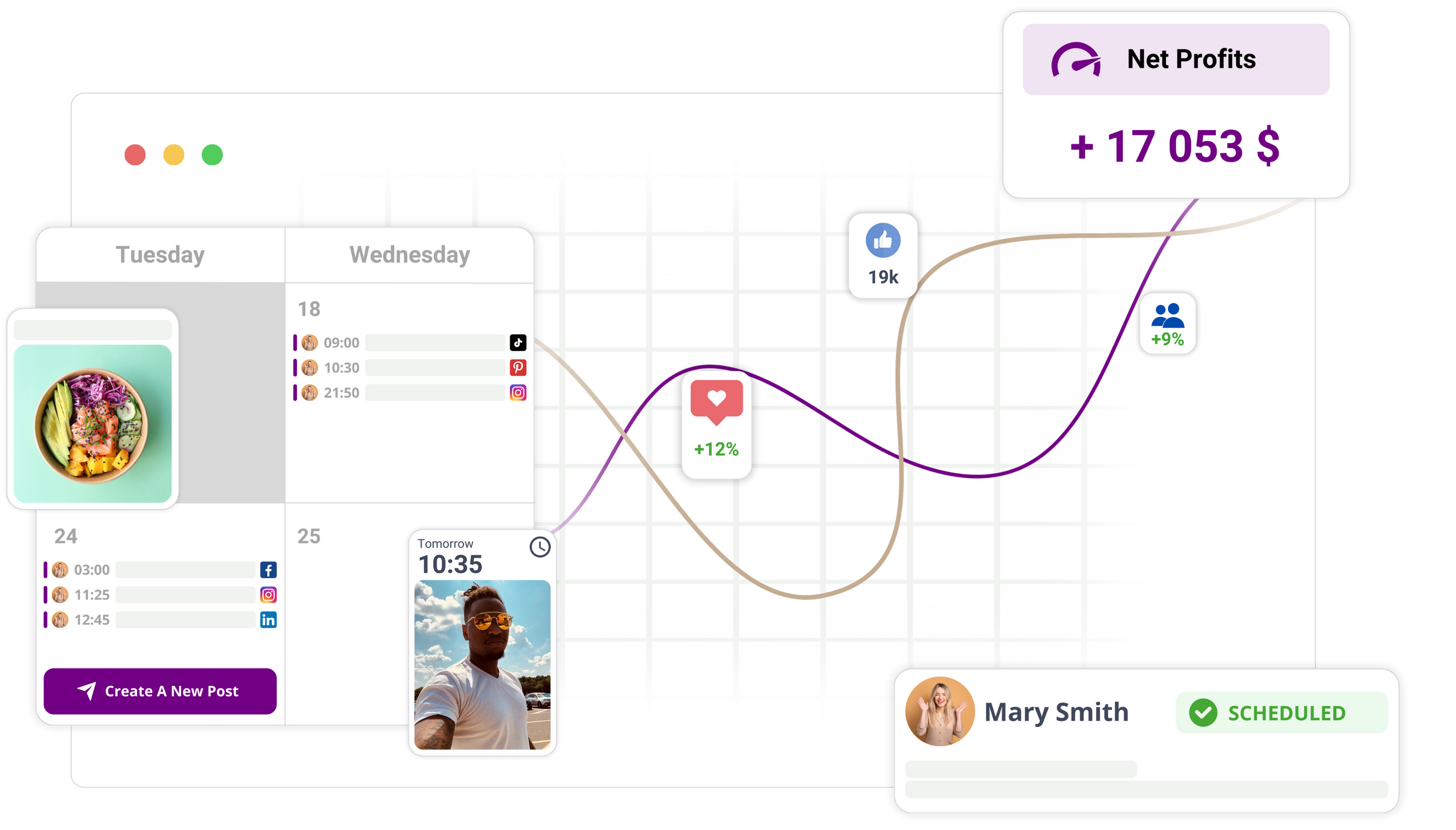
The reason chat-window AI feels like a hassle is the copy-paste tax: generate somewhere, paste somewhere else, resize, reschedule. Mydrop puts the AI content generation inside the calendar you publish from, across nine platforms, with approvals and comment automations attached. Same drafts, no shuttling.
Do this today
Pick one pillar for next month, generate 10 ideas, keep 4, draft all platform variants in one batch, then spend 20 seconds per post adding a specific detail. That single session tells you more about AI's real value for your accounts than any tool comparison.
You can start free and have next month's calendar drafted before dinner.


 Google review
 Trustpilot review
 Product Hunt comment